Aria Operations Management Pack Builder – phpIPAM Part 4
Welcome back again!
In Part 1 we covered how to authenticate to your API endpoint.
In Part 2 we covered how to create API requests, turn the API responses into Aria Ops Objects, and configured the relationship hierarchy of those objects.
In Part 3 we covered the MP Import & Configuration, then created some Views, Super Metrics and Dashboards to visualise the phpIPAM Properties.
Now for the last part, we will be exporting the Views, Super Metrics and Dashboards from Aria Operations and importing back into the MP Builder and rebuilding the PAK.
This will then give us a complete MP ready for distribution, which contains everything we have built.
Section 1 – Exporting from Aria Operations
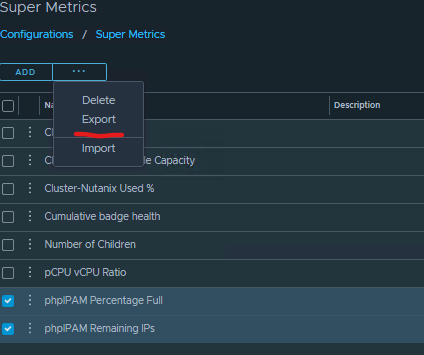
First we’ll do the super metrics. Browse to Operations / Configuration / Super Metrics
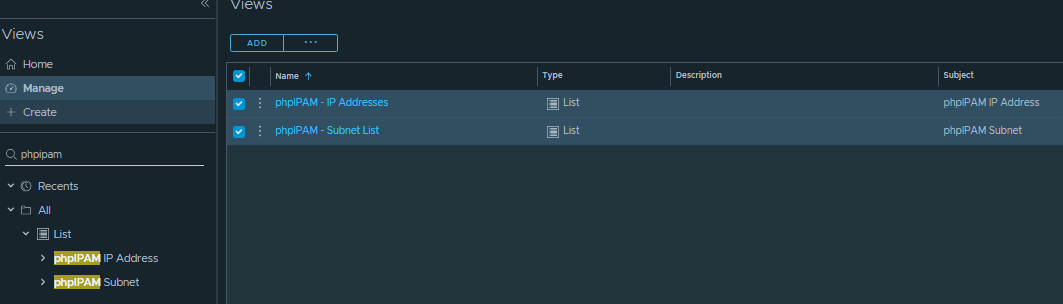
Export the Views
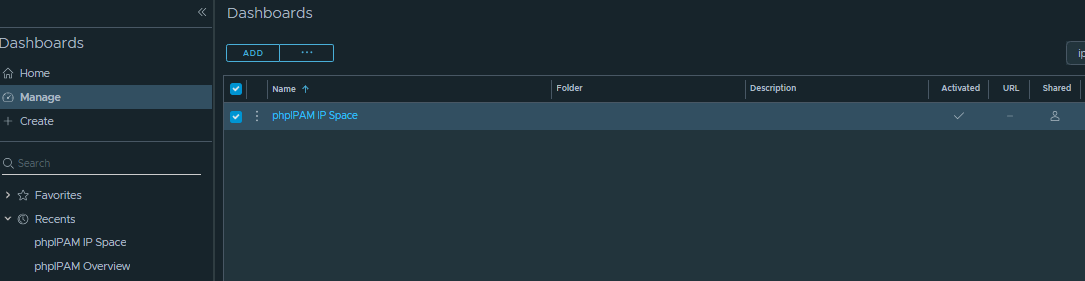
And Export the Dashboard
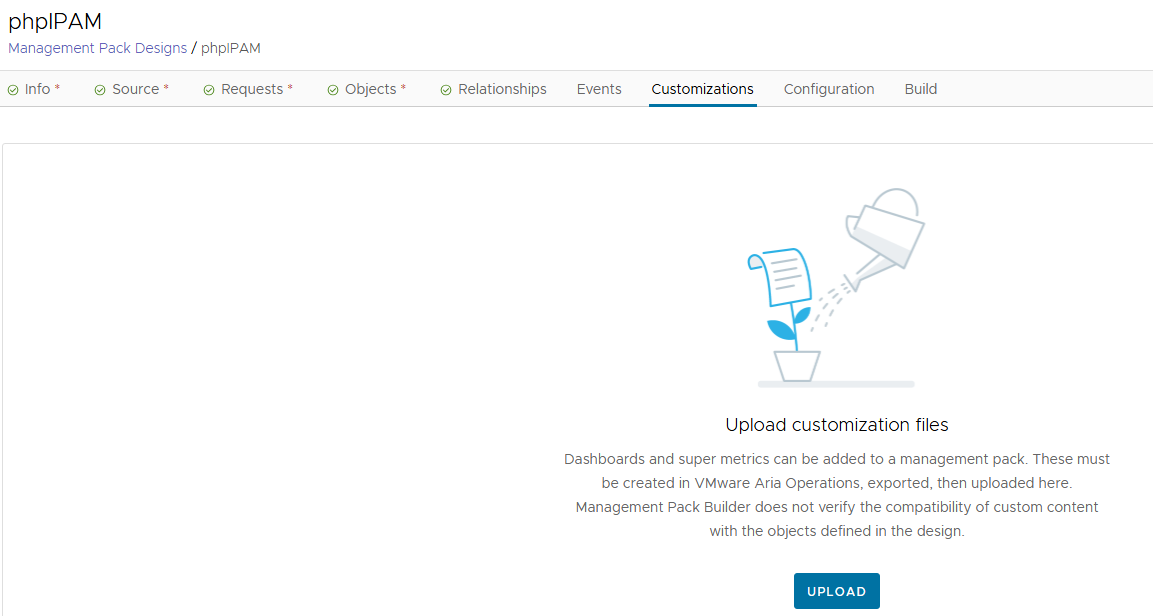
Now we go back to the MP Builder, and import these. We can’t upload the ZIP exports, we need to extract them to grab the JSON files that are contained within.
Browse to the Customizations tab, and we can upload the JSON files.
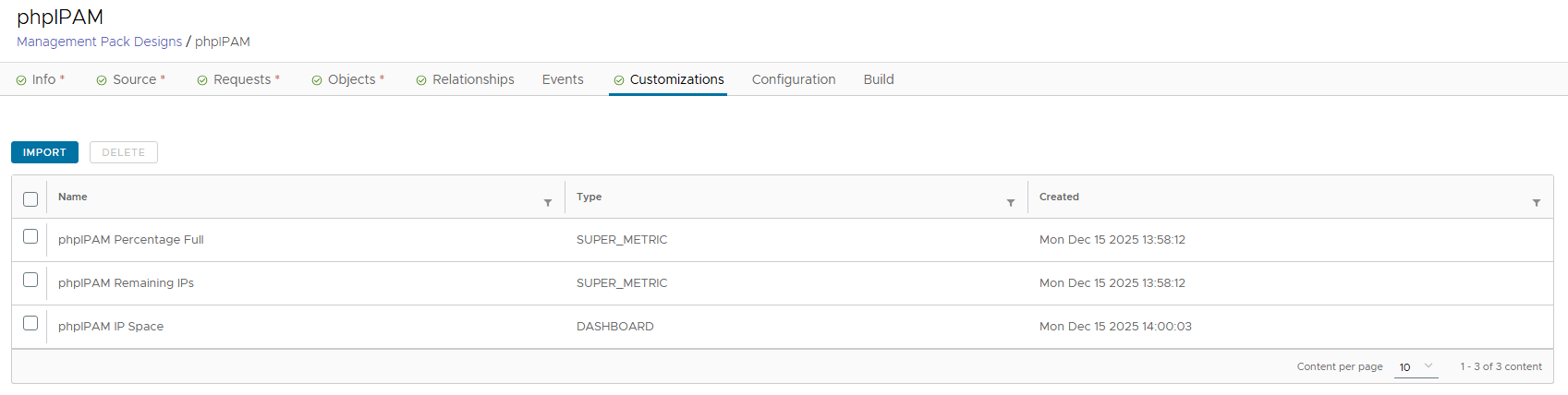
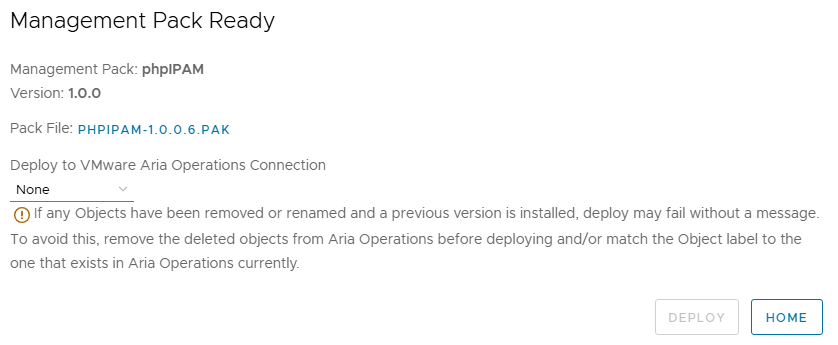
Now we can rebuild the MP and download it on the “Build” tab. This has been successful – I’m going to test it on a clean install of Aria Operations to make sure that it actually works as expected.
Now I’ve hit a bit of a snag – the “Views” cannot be imported to the MP Builder at this point in time.
Only the Objects, Relationships, Super Metrics and Dashboards will come across so this is something to keep in mind if the MP will be distributed to multiple systems or clients/customers.
Hopefully this is something that will be improved in a future release.
To distribute this in the meantime, I’ll just provide a separate ZIP containing the views along with the MP.
While I was playing with this, I’ve also created some additional relationships to improve functionality and fix some bugs:
IP Address -> ESXi Host Management Address
Subnet VLAN ID -> Actual VLAN ID -> Distributed Virtual Port Group
So that’s basically it, we have a complete management pack containing everything we need, and a Views.zip – I’ll create a new post for installation instructions and a showcase.