VCF 9.1 – What’s New? VCF Operations
Welcome back to the VCF 9.1 series. Next up, What’s New in VCF Operations. The release notes have a great overview of everything that’s new with VCF Operations, but I’ll highlight some of these things in this post.
We have some nice UI improvements which better organize the menus based on the workflows you’ll be performing.
“Operate” is where we’ll run most of our day to day operations / troubleshooting / alerting / health status and general configuration of VCF Operations.
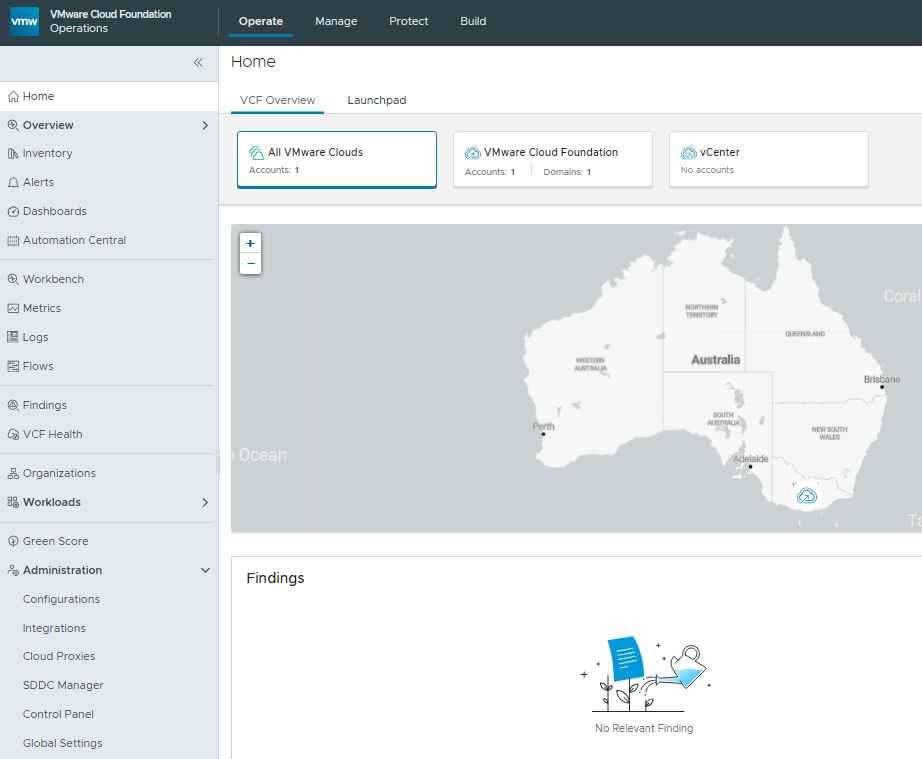
The “Manage” tab is now where the VCF “Fleet Management”, Capacity, Cost and Licensing functionality lives.
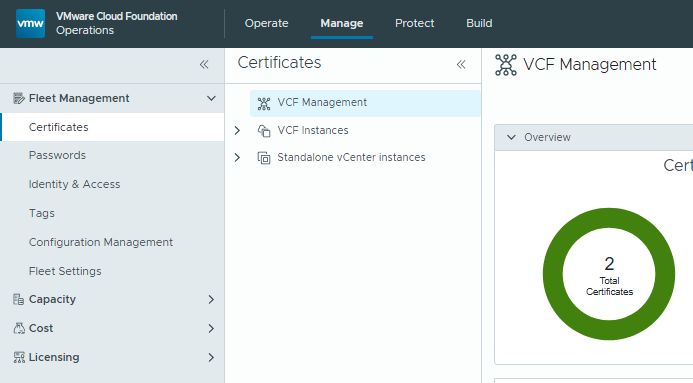
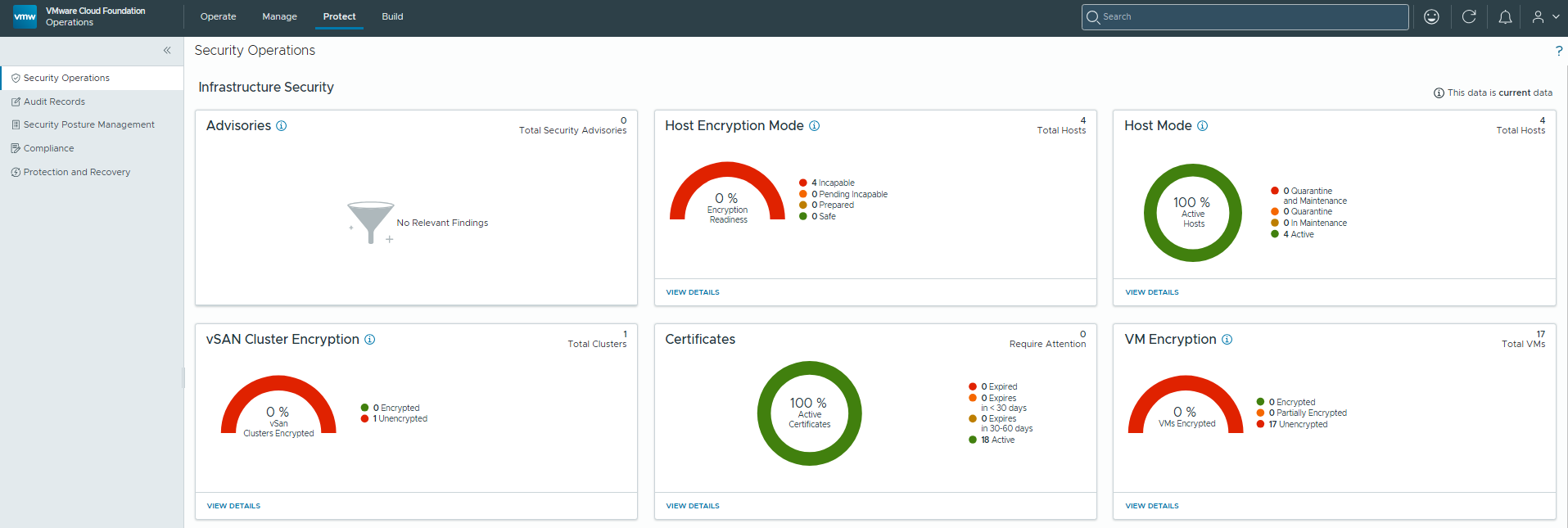
The “Protect” tab covers Security / Auditing (Ops for Logs Integration) / Configuration Compliance / Security Posture and the Backup/Recovery integration with Live Site Recovery, VCF Replication and vSAN Data Protection.
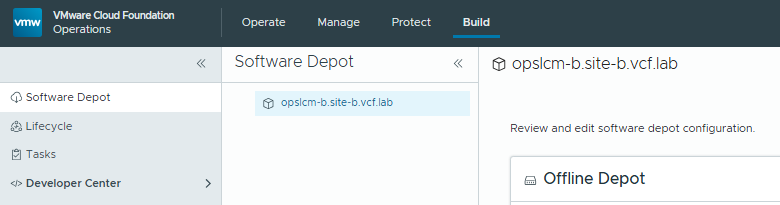
And lastly we have the “Build” tab, which contains the Software Depot config, VCF Lifecycle Management and access to the Developer Center (API Documentation).
Now, onto some more features.
Component Upgrade Order
The VCF Component Upgrade order has changed slightly. We now perform NSX Manager first, then vCenter, ESX and lastly the NSX Edges.
Security Posture Management
This functionality will assess your environment against industry standard security guides such as PCI-DSS, NIST, CIS etc.
A number of compliance guidelines are included by default, but additional compliance packs are available on the Broadcom VCF Solutions Catalog.
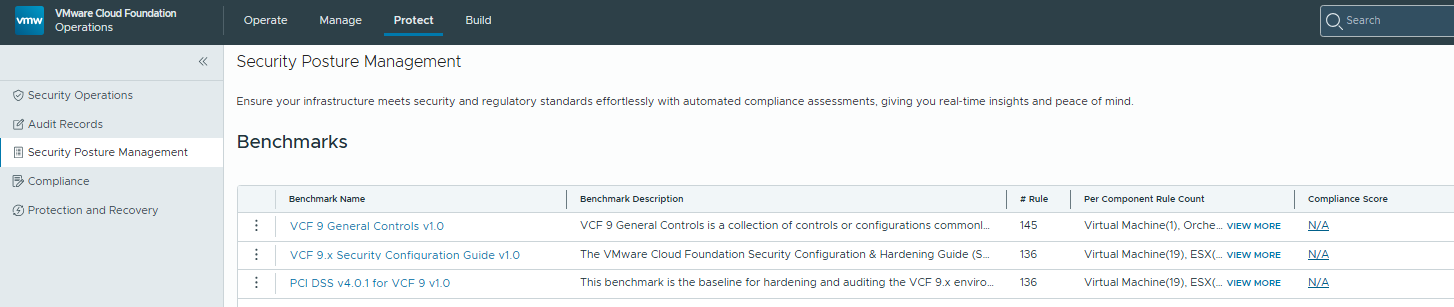
We can click on the “View More” link on the “Per Component Rule Count” panel to view how many compliance rules have been defined.
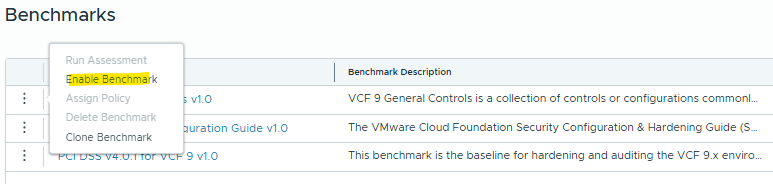
I’m going to enable VCF 9 General Controls 1.0 by clicking on the menu and selecting “Enable Benchmark”. You’ll be prompted to select the Policy that the benchmark is enabled against, I just chose default to do this globally.
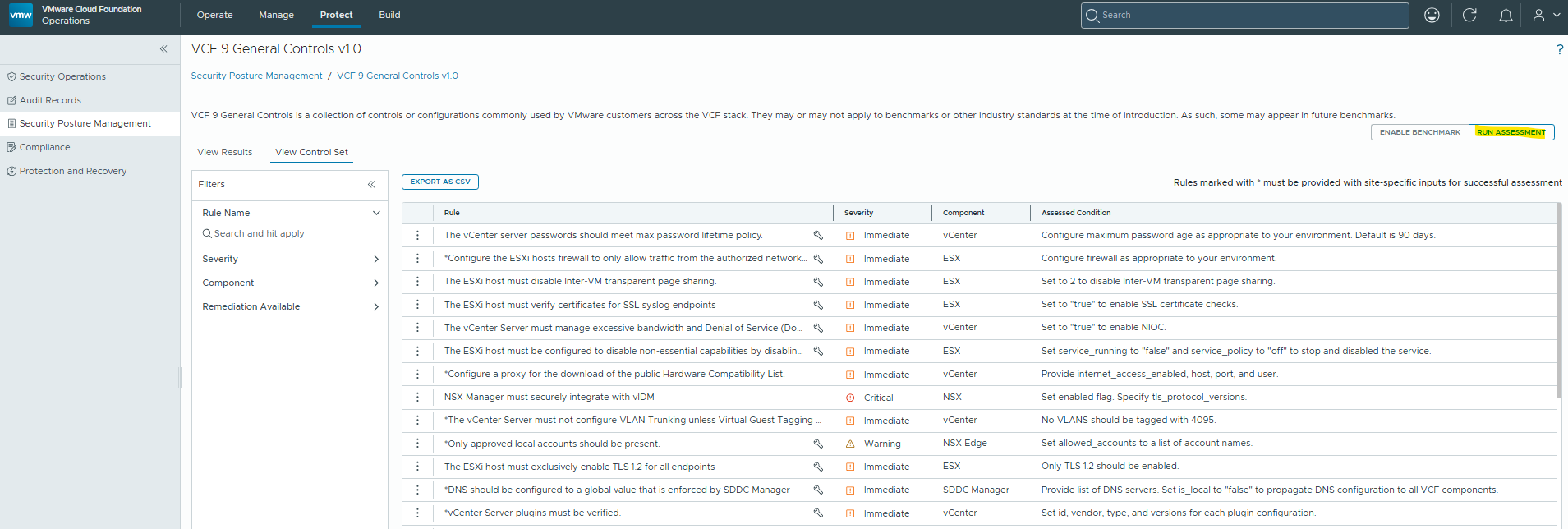
Once enabled, we can click on the name of the benchmark to review the specific rules that are validated, and we can run an assessment to check the compliance state.
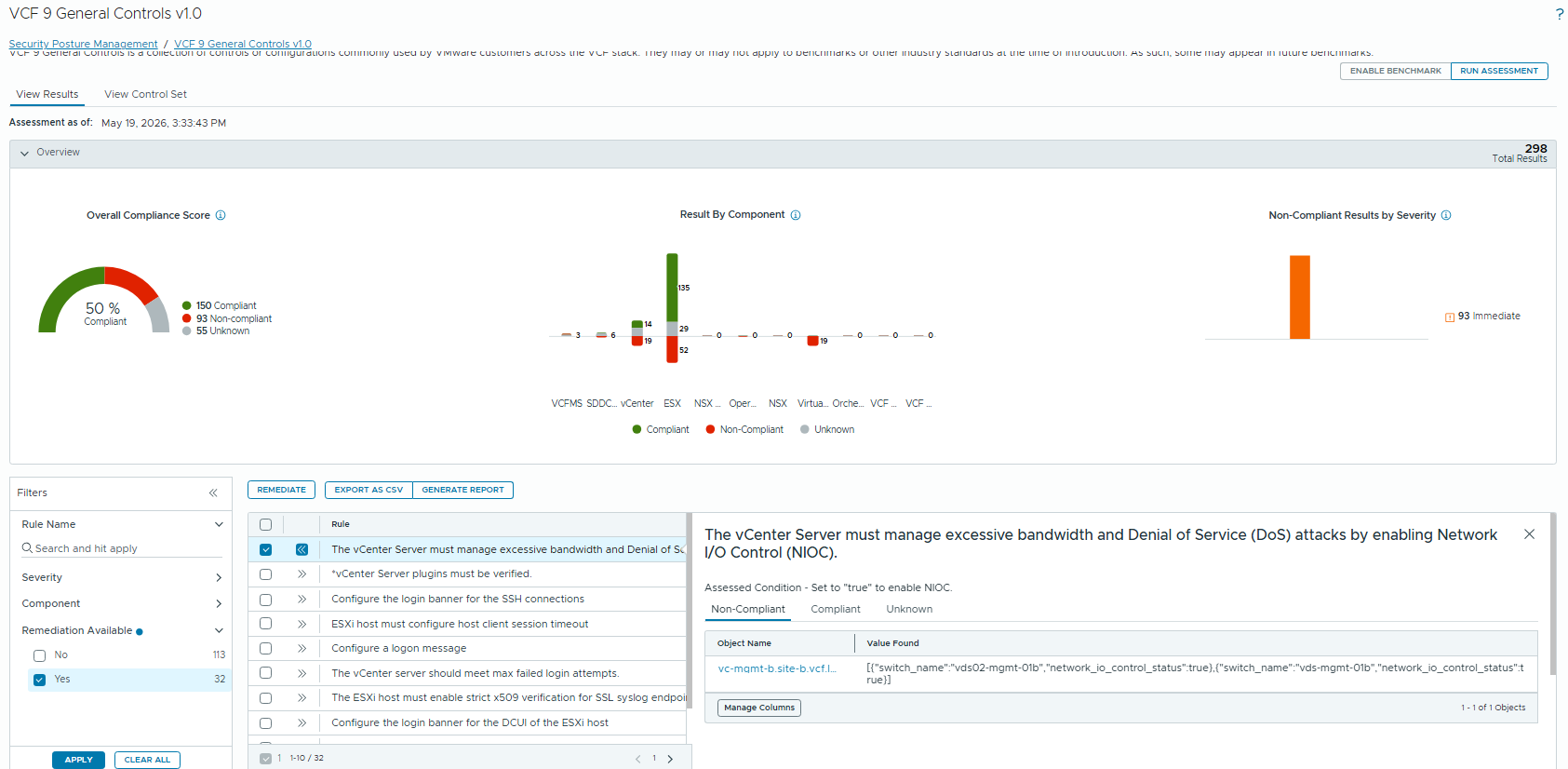
This assessment will take some time to run, when complete we’ll see the compliance status and be given remediation options.

If we click on the compliance score, it will take us to a report and give us remediation options to bring the security status into line with the policy.
Protection and Recovery
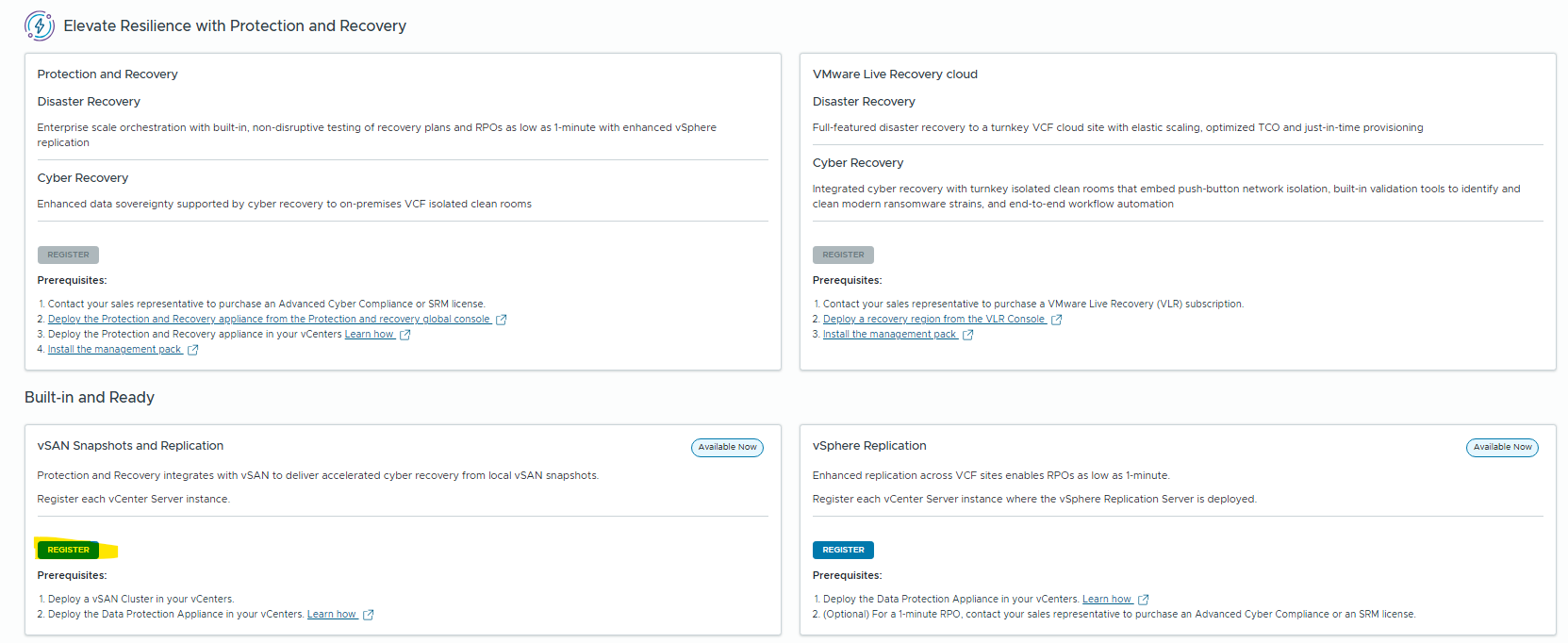
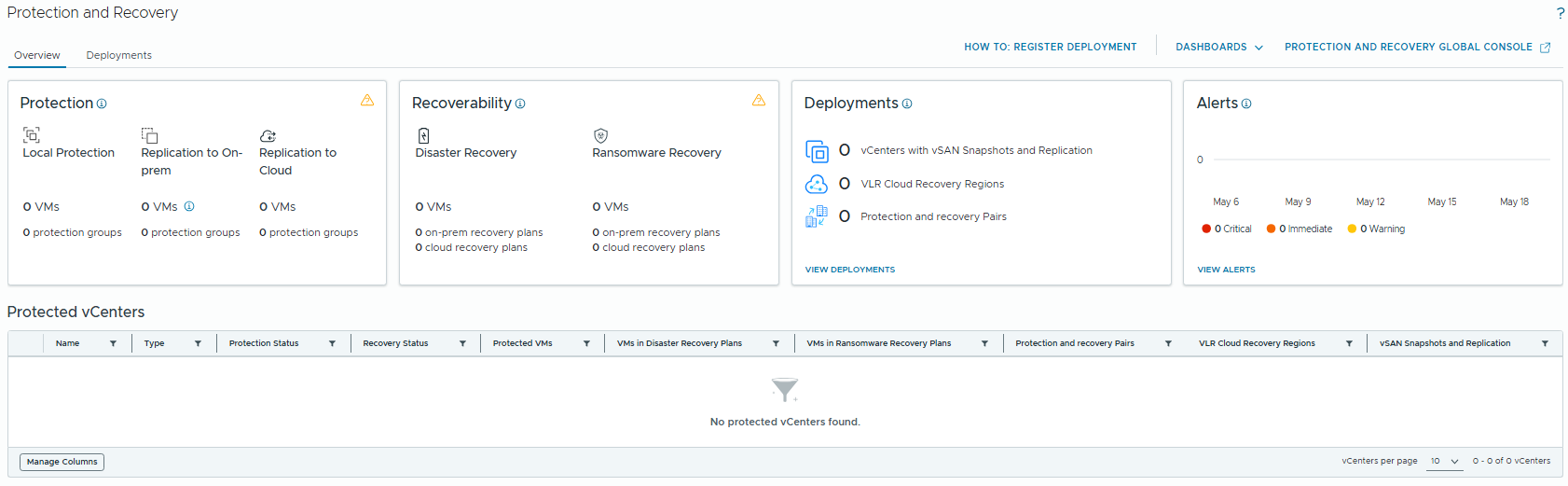
vSphere Protection and Recovery status can be viewed from within VCF Operations now. If we browse to the Protection and Recovery tab, we can register Live Site Recovery, vSAN Snapshots and VMware Replication. I’ve deployed a protection and recovery appliance, and I’ll register this to VCF Operations.
Audit Records
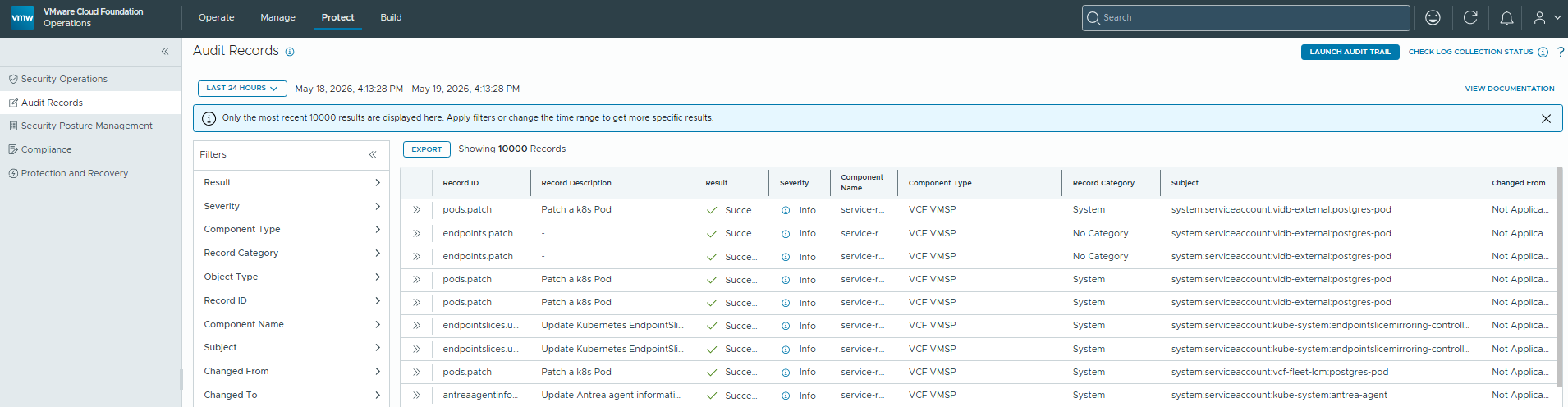
One of the improvements with VCF Operations for Logs is the integration of Security Audit Logs under the “Protect Tab”. Here we can see audit related records that will likely be of interest to Security and Audit teams.
Memory Tiering
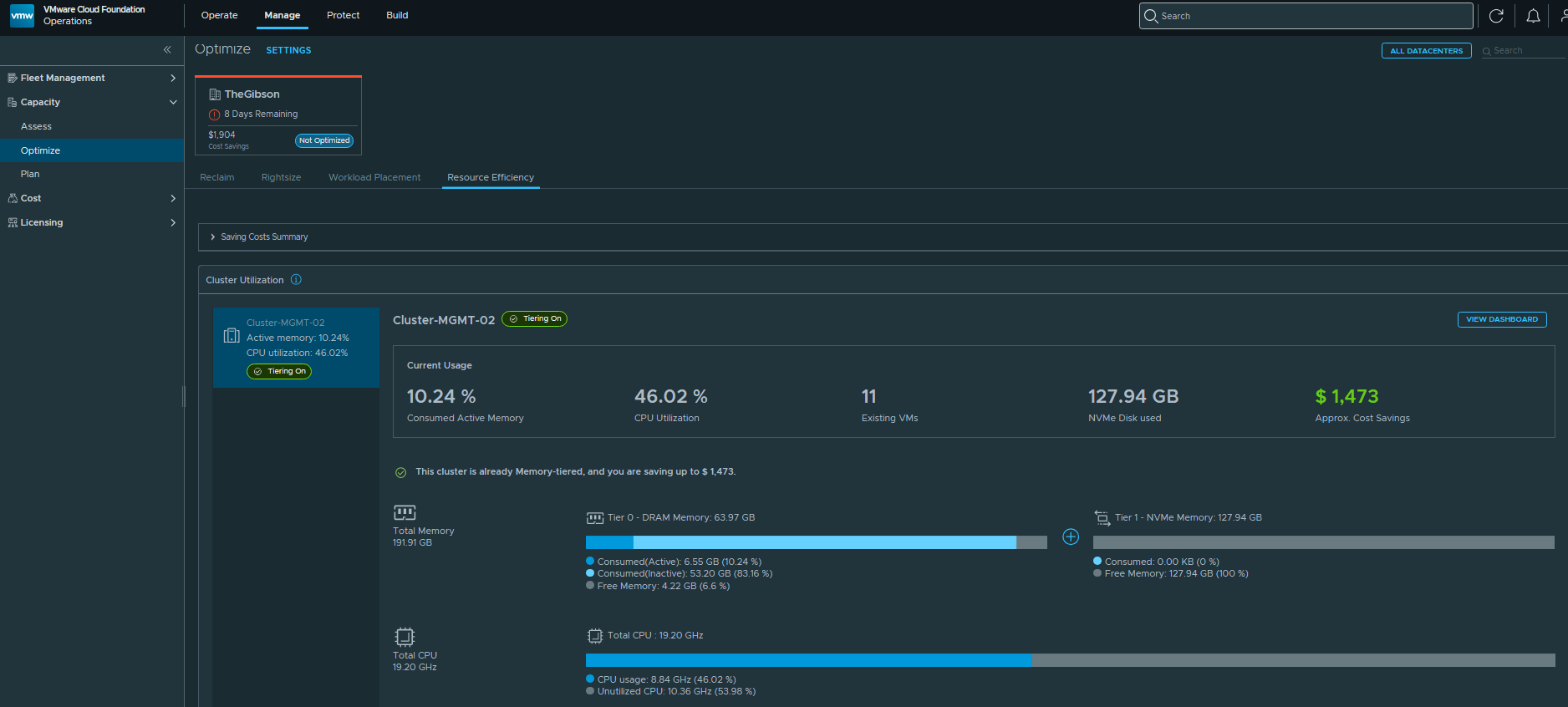
Memory Tiering statistics are now available in the VCF Operations interface. We can view this from Manage / Optimize / Resource Efficiency. I suspect this will become quite an important metric with the current RAM prices – Memory Tiering should enable customers to save hardware costs.
There’s many other new features, but this is a quick overview of some of the major features that have been integrated into VCF Operations.