VCF 9.1 – What’s New? VCF Operations for Logs
VCF 9.1 brings more integration for log management with the newest improvements for VCF Operations for Logs. Until now, this component was either a standalone appliance VM or a cluster – with VCF 9.1 the Ops for Logs functionality is brought into the VCF Management Services Cluster and fully managed via VCF Operations.
We’ll start with a look at the deployment process, then move onto an overview of the web interfaces in VCF Operations to work with the logs instance.
Deployment
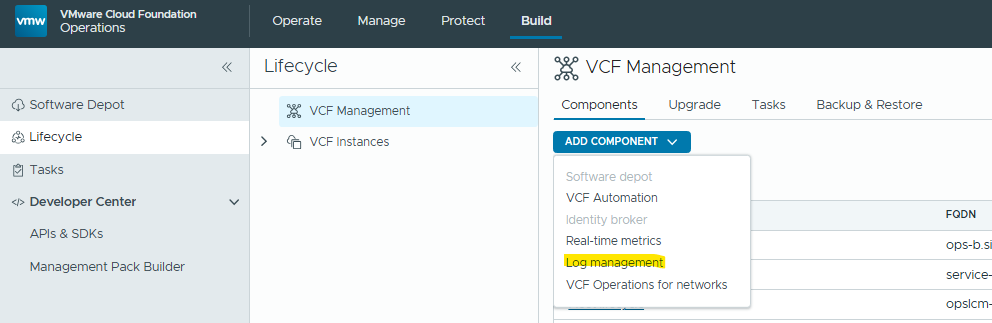
Browse to VCF Operations / Build / Lifecycle / VCF Management and click “Add Component / Log Management”
Fill the details as per your environment / HA & Sizing requirements:
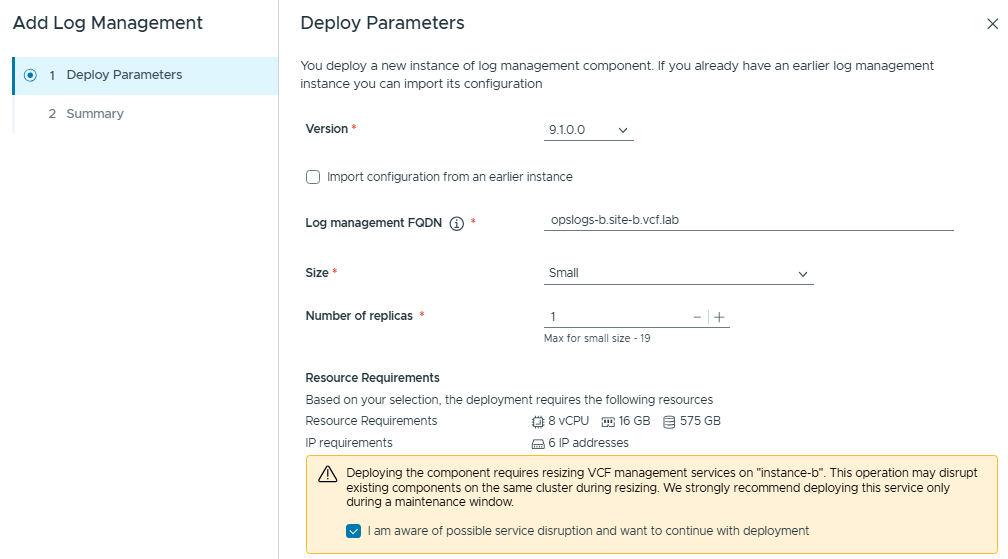
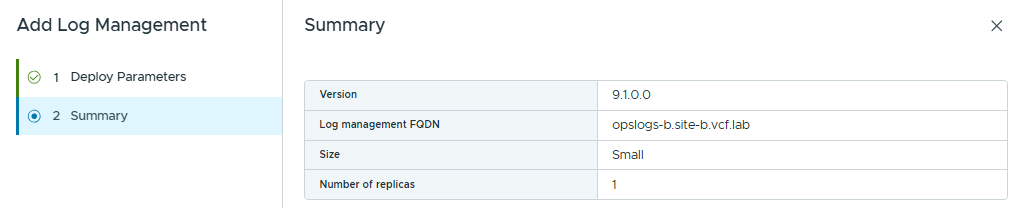
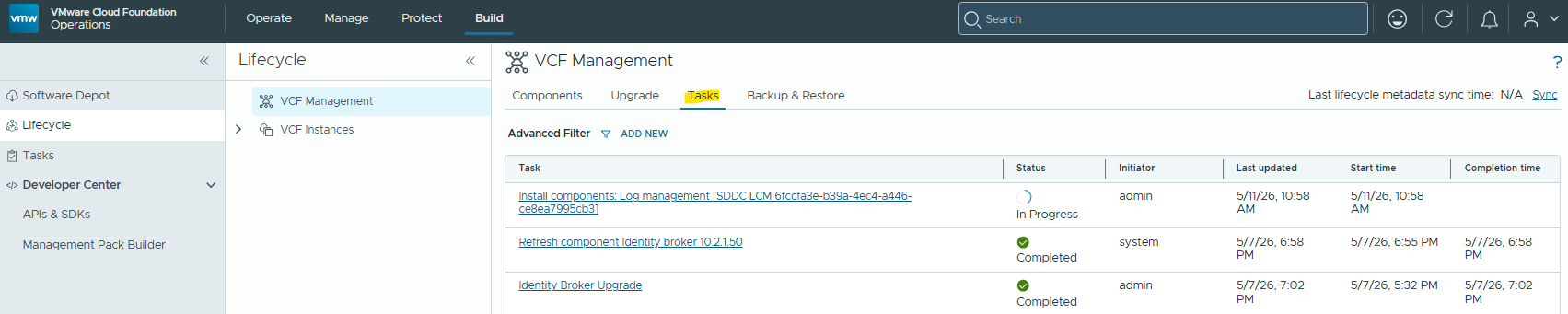
Click finish, and the deployment process will start. You can monitor the progress from VCF Management / Tasks:
VCF Operations for Logs – Management
The management of VCF Operations for Logs is very similar to older versions, but the menus have moved around slightly with the integration to the Operations Console.
Configuration:
Browse to Operate / Administration / Configurations, and look for the “Log Management” section.
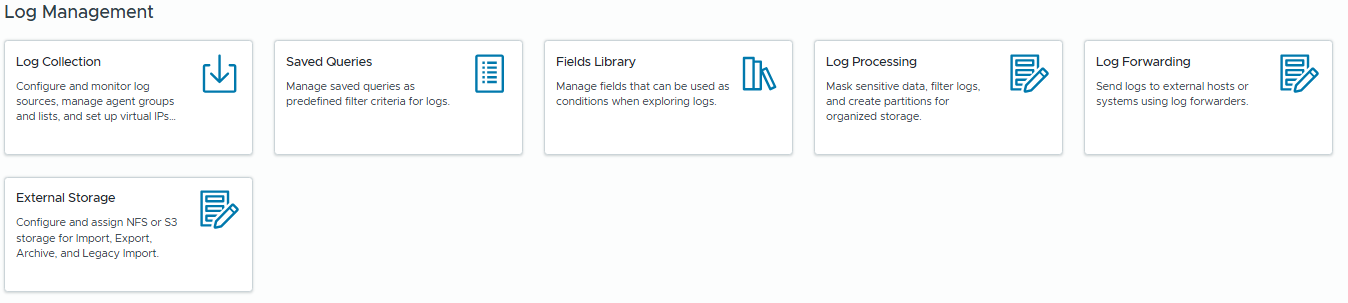
From here we can configure the usual setting for Ops for Logs like log filtering / forwarding / archiving etc.
Not all components will collect logs automatically by default. We can check the status under “Log Collection”
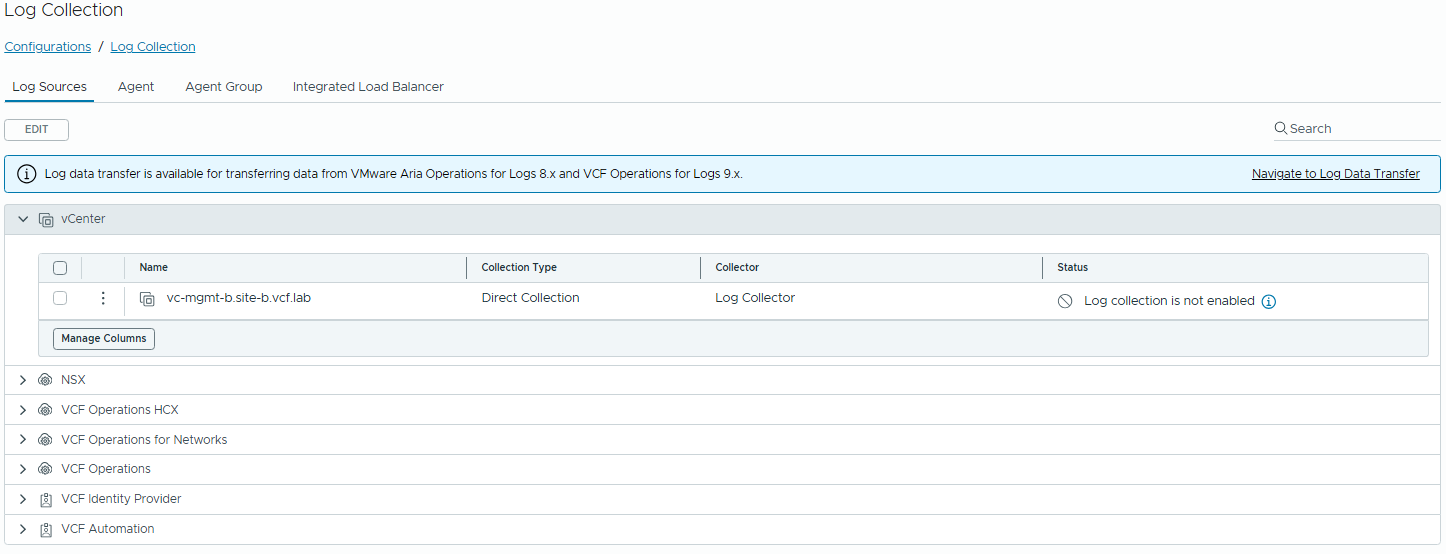

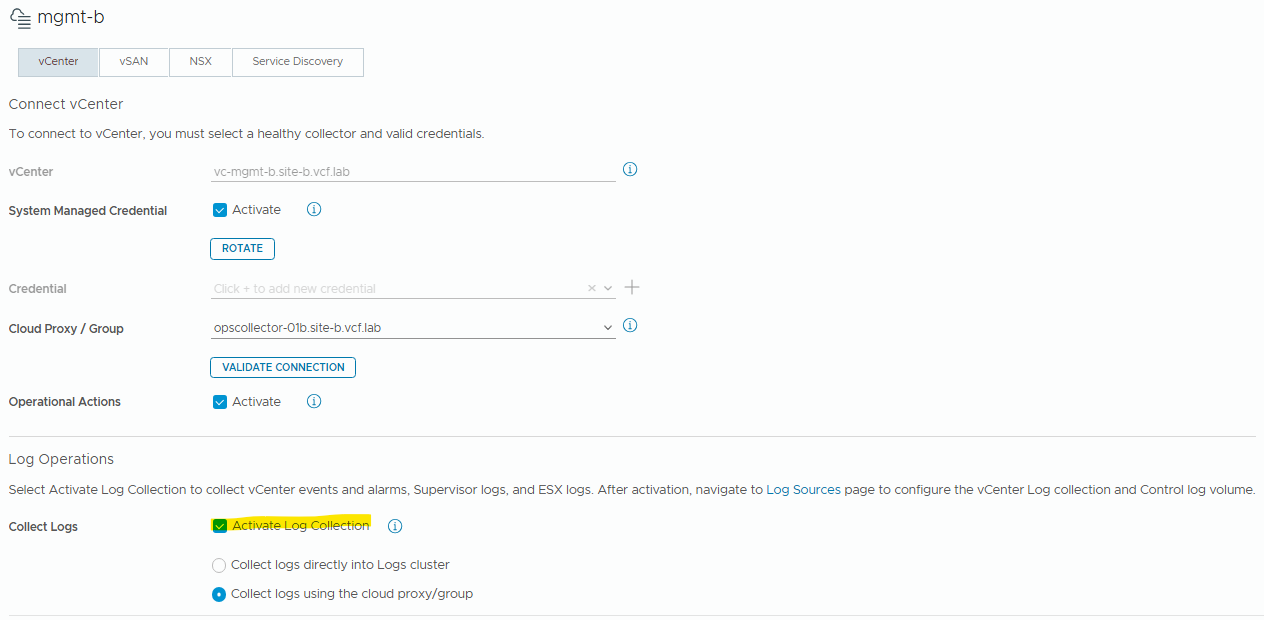
To enable these, we’ll browse to “Integrations” and edit the connection for the VCF Domain (MGMT for this example):
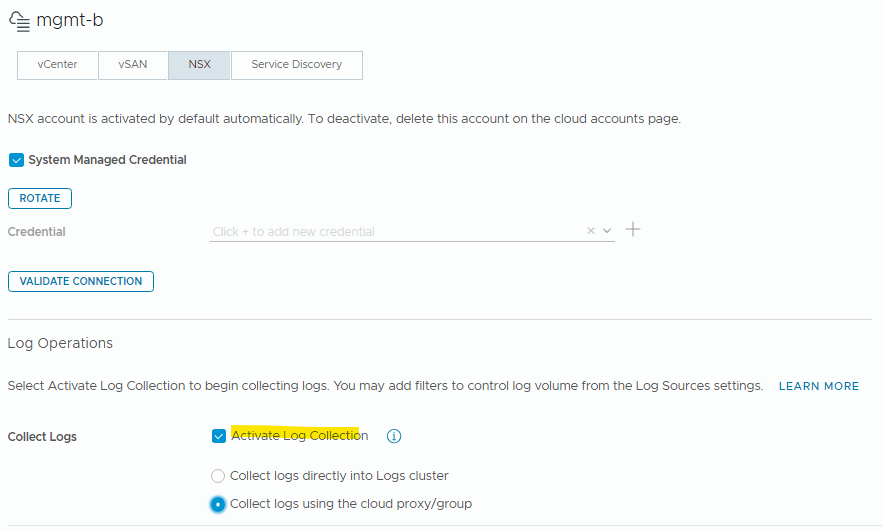
And we’ll repeat the same for the NSX tab:
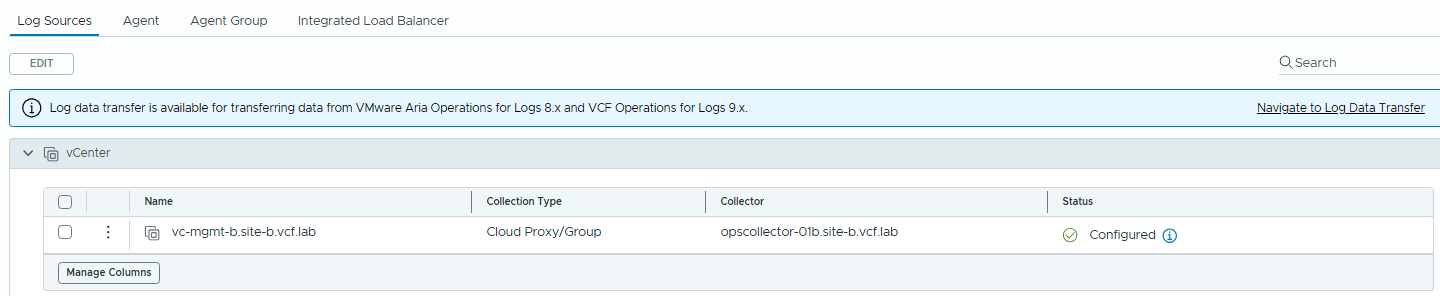
After some time, you’ll see this change to “Configured” under the log collection settings:
Management:
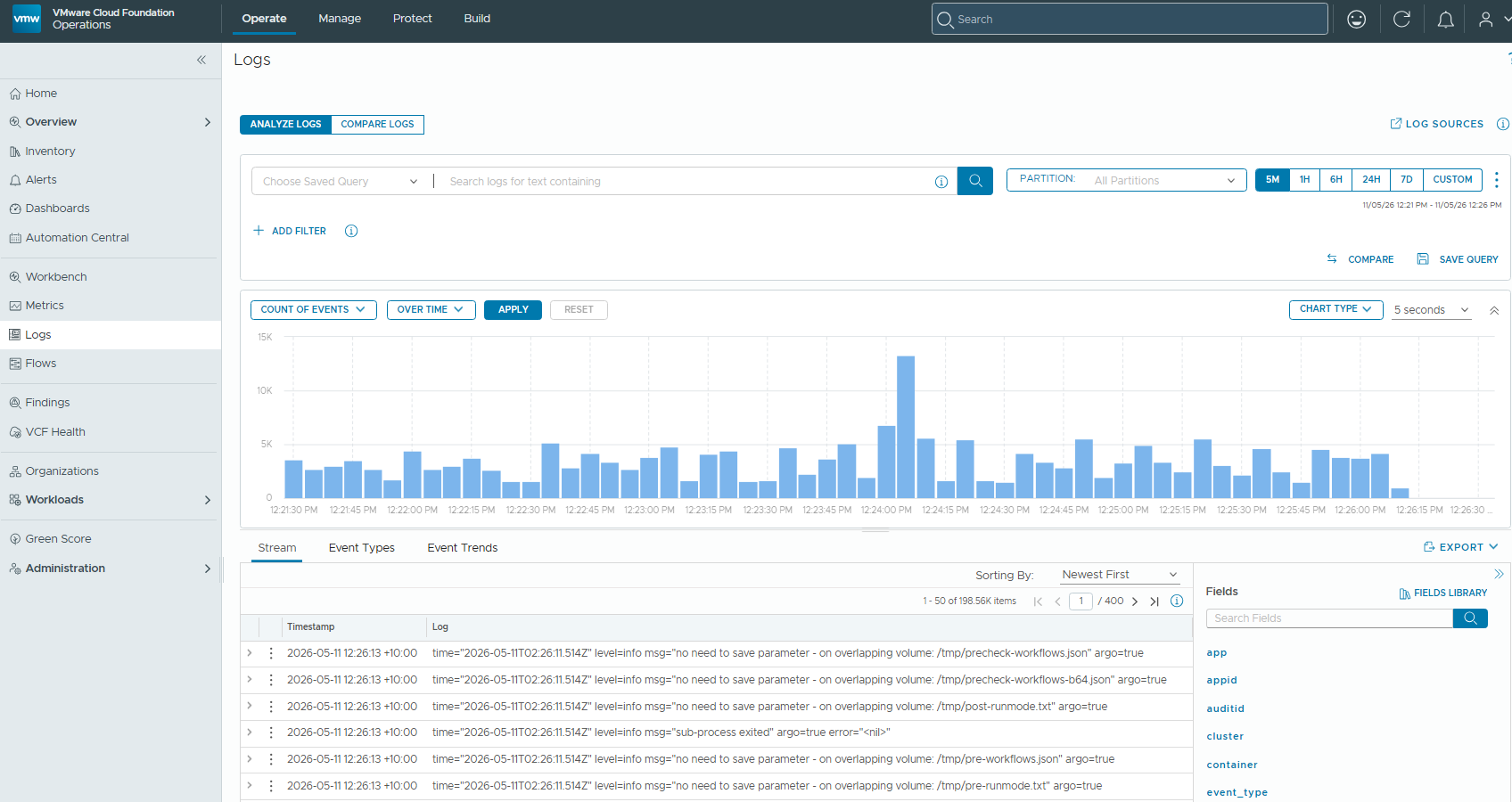
Browse to Operate / Logs and we can see the familiar interface for running log queries
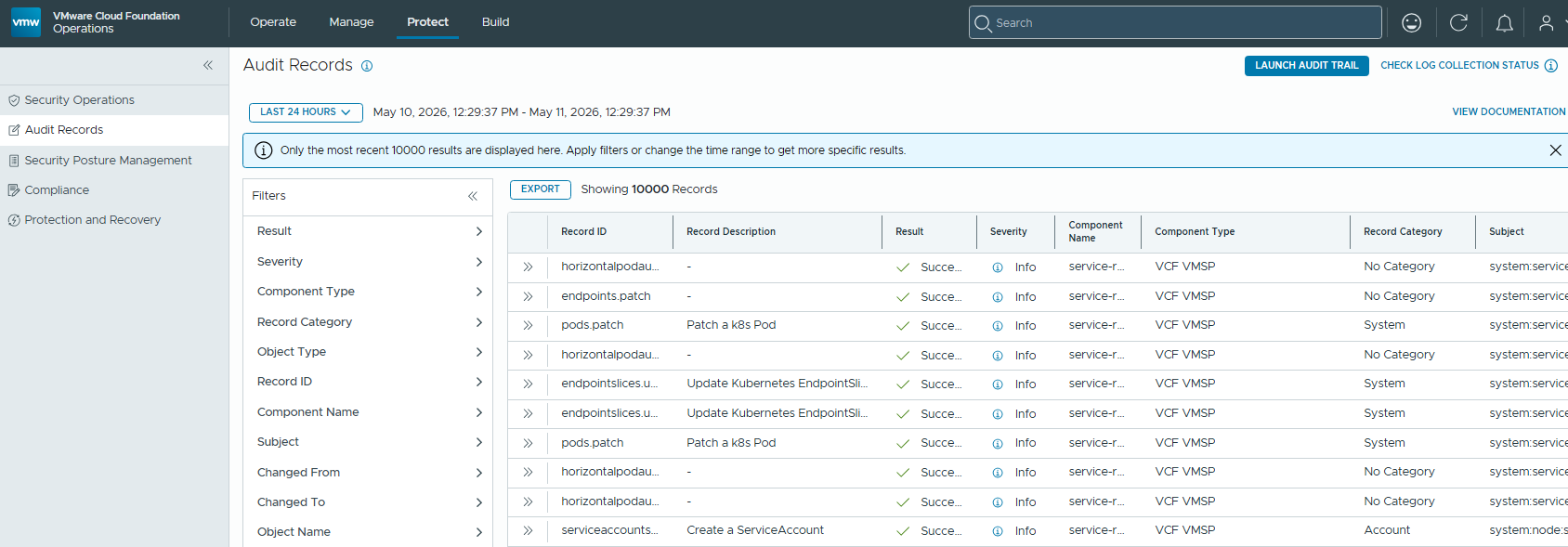
We also have a new Audit section, browse to “Protect / Audit Records”
This will likely be of interest to security teams.
Keep an eye on the blog for more VCF 9.1 content!